
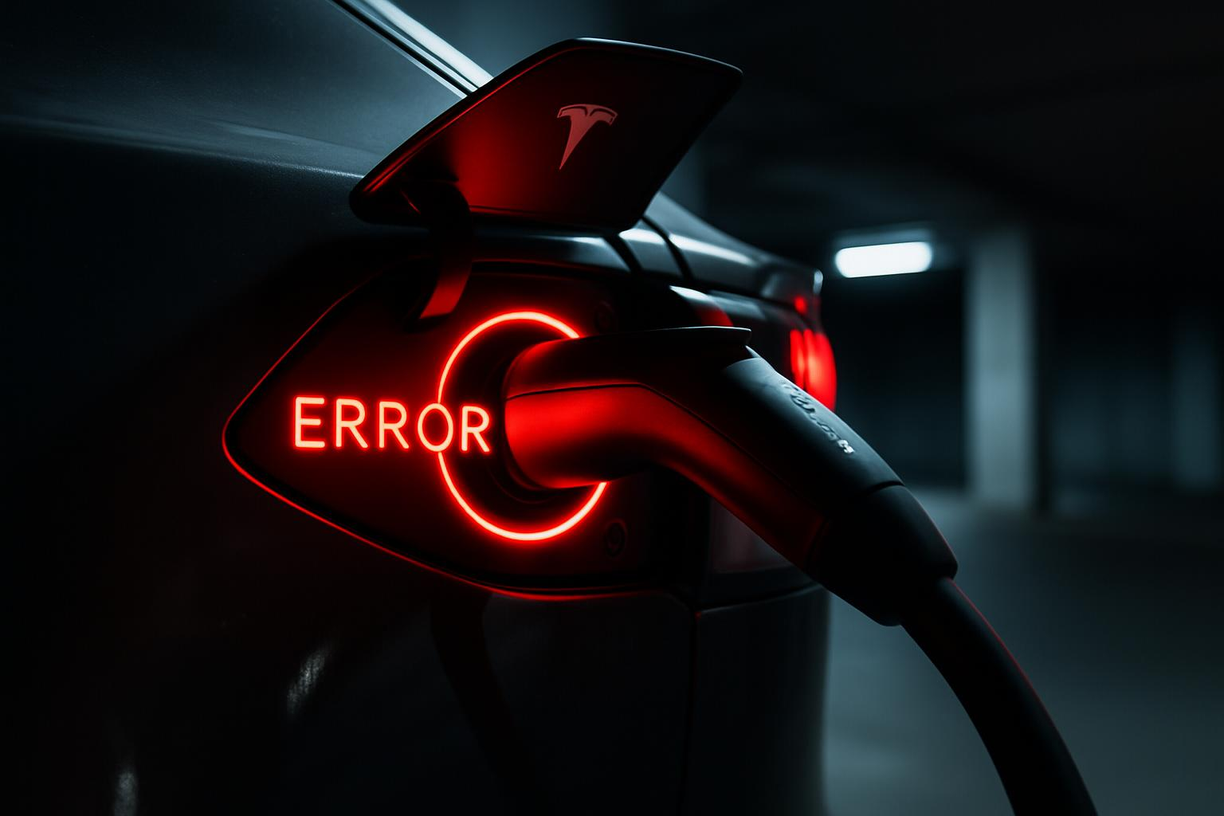
1. Uncovering the Pain Point: The Frustration and Anxiety of Charging Interruptions
Opening Story: A Midnight Charging Scare
Imagine plugging in your beloved Tesla, going to sleep soundly, and expecting your car to be fully charged by morning. However, when you open the Tesla App in the morning, you find a "Charging Interrupted" notification, with the battery stuck at an awkward percentage, even far below your expectation. This sudden "charging scare" not only disrupts your travel plans but can also plunge you into range anxiety. Whether you're rushing to work, taking your kids to school, or preparing for a long trip, a charging interruption can lead to a cascade of problems, making your day start with anxiety.
Data Support: Charging Interruptions Are Not Isolated Incidents, a Common Concern for Owners
As a leader in electric vehicles, Tesla's charging network and technology have always been highly praised. However, even with this, charging interruptions are not isolated incidents. Discussions about "charging interrupted" and "charging abnormalities" are common on major Tesla owner forums and social media. This indicates that charging interruptions are a widespread problem that troubles car owners. The causes of charging interruptions are diverse, ranging from simple operational errors to complex system failures, all of which can significantly detract from your charging experience. Understanding these potential causes and mastering the corresponding solutions is crucial for every Tesla owner.
2. Scientific Principles: Unveiling the Technical Logic Behind Charging Interruptions
Expert Advice: Multi-dimensional Troubleshooting for Precise Problem Identification
Tesla's charging system is a highly intelligent network involving the vehicle itself, charging equipment, the power grid, and software control. Any abnormality in any of these links can lead to charging interruptions. Here are some common causes of charging interruptions, their underlying technical logic, and expert-recommended troubleshooting methods:
Charging Equipment Malfunction or Connection Issues:
•Technical Logic: Circuit failures, poor contact, or overheating protection mechanisms triggered within the charging pile, charging cable, or adapter can all lead to power transmission interruptions. For example, if the internal wires or insulation of the charging cable are damaged, or if there is foreign matter in the charging port or it is not securely plugged in, it will affect the stable transmission of current, thereby triggering safety protection mechanisms and interrupting charging.
•Expert Advice: First, check the charging pile, charging cable, and vehicle charging port for physical damage, foreign objects, or burn marks. Ensure the charging cable is fully inserted and locked in place. Try re-plugging the charging cable, or try a different charging cable and charging pile for testing.
•Unstable Grid Voltage or Insufficient Power Supply:
•Technical Logic: Tesla vehicles have high requirements for the stability of charging voltage and current. If the grid voltage fluctuates excessively, the power supply is insufficient (e.g., high load on household circuits), or the line is too long or the wire gauge is too thin, causing a voltage drop, it may trigger the protection mechanisms of the vehicle or charging equipment, leading to charging interruptions.
•Expert Advice: Check the load on your household circuit and avoid using high-power appliances simultaneously while charging. If using home charging equipment, ensure that the wiring is up to code and check if the circuit breaker has tripped. For public charging stations, if frequent interruptions occur, try switching to a different charging stall or station.
Vehicle-Specific Issues:
•Technical Logic: Malfunctions in Tesla's internal Battery Management System (BMS), Onboard Charger, or the charging port itself can lead to charging interruptions. For example, poor battery health, software bugs, or abnormal sensors in the charging port can send incorrect signals to the vehicle, thereby interrupting charging.
•Expert Advice: Try restarting the vehicle (soft reboot or hard reboot). Check the Tesla App or the vehicle's center screen for any charging-related error messages or alerts. Ensure the vehicle software is updated to the latest version. If the problem persists, you may need to contact a Tesla service center for diagnosis.
•Charging Environment Factors:
•Technical Logic: Extreme temperatures (overheating or extreme cold) can cause the battery or charging equipment to perform poorly, triggering protection mechanisms. For example, in hot weather, charging equipment or batteries may overheat, leading to reduced charging speed or even charging interruptions to protect the hardware.
•Expert Advice: In extreme weather, try to choose an indoor or sheltered charging environment. If overheating is suspected, you can pause charging and try again after the equipment cools down. Tesla vehicles also have battery preheating/precooling functions to ensure the battery charges at optimal temperatures.
•Software Settings or Third-Party App Interference:
•Technical Logic: Charging settings in the Tesla App (such as charging time, charging limits), charging schedules within the vehicle, or interference from certain third-party apps can cause charging to interrupt at specific times or when a certain charge level is reached.
•Expert Advice: Check the charging settings in the Tesla App to ensure there are no unexpected charging schedules or limits. Disable or uninstall any third-party apps that might interfere with the charging process.
User Story: From "Helpless" to "In the Know"
"My Model 3 kept interrupting charging in the middle of the night recently, making me anxious about the battery level every morning. Later, following online advice, I checked the charging cable and found the plug was a bit loose. After re-inserting it firmly, the interruptions stopped. It was a false alarm, and now I feel much more confident," shared a Tesla owner. These seemingly complex problems can often be solved through simple troubleshooting and operations. The key is to understand the underlying principles and be "in the know."
3. Solutions and Best Practices: Keeping Your Charge "Online"
Having understood the potential causes of charging interruptions, the next step is how to effectively solve and prevent these problems. Here are some practical solutions and charging best practices to help your Tesla charging process run more smoothly:
Hardware Inspection and Maintenance
•Check Charging Equipment: Regularly inspect your charging pile, charging cable, and adapter for wear, cracks, burn marks, or foreign objects. Ensure the charging port is clean and dry, free of dust or debris. If any damage is found, stop using it immediately and contact a professional for repair or replacement.
•Ensure Secure Connection: Each time you charge, make sure the charging gun is fully inserted into the vehicle's charging port and locked in place. A "click" sound indicates a successful connection. Avoid shaking or pulling the charging cable during charging.
•Check Power Supply and Circuit: If charging at home, ensure your household circuit can support Tesla's charging power and is not overloaded. Check if the circuit breaker has tripped, and if necessary, have an electrician inspect the wiring and outlets. For wall connectors, ensure the screws connecting to the circuit breaker are tightened, as loose connections can also cause charging interruptions.
Software Settings and Vehicle Management
•Restart Vehicle: If charging is interrupted, try restarting your Tesla vehicle. You can perform a soft reboot via the center screen or a hard reboot by disconnecting the 12V battery (refer to the owner's manual for instructions).
•Check Charging Settings: On the Tesla App or the vehicle's center screen, check your charging settings. Ensure that no charging times, charging limits, or scheduled charging are set that do not meet your needs. For example, if you have set charging for a specific time period and that period has passed, charging will interrupt.
•Update Software: Ensure your Tesla vehicle software is always up to date. Tesla releases over-the-air (OTA) software updates, which may include improvements to charging system stability and bug fixes.
•Disable Third-Party Apps: If you are using any third-party apps related to Tesla charging, try temporarily disabling them to see if they are interfering with the charging process.
Charging Environment and Habits
•Avoid Extreme Temperatures: In extremely hot or cold weather, the vehicle battery and charging equipment may trigger overheating or overcooling protection. Try to choose a charging environment with suitable temperatures, or use the vehicle's preheating/precooling function to optimize battery temperature.
•Set Reasonable Charge Limit: To extend battery life, Tesla recommends keeping the daily charge level between 20% and 80%. While charging to 100% is necessary for long trips, frequently fully charging or letting the battery get too low can accelerate battery degradation and may cause charging interruptions in some cases.
•Charge Regularly: Even if you don't drive many miles daily, it's recommended to get into the habit of plugging in your charging cable every evening to keep your vehicle within a healthy battery range. This helps the battery management system balance the battery pack better and ensures the vehicle is always ready.
•Choose Reliable Charging Stations: When using public charging stations, try to choose reputable and well-maintained ones. If a particular charging stall frequently has problems, you can try switching to another stall or charging station.
Seek Professional Help
If none of the above methods solve the problem, or if the vehicle displays a specific error code, it is recommended to contact a Tesla service center promptly. They can provide professional assistance through remote diagnosis or by arranging an inspection.
4. From Problem to Solution: Making Tesla Charging Worry-Free
The problem of Tesla charging interruptions, although seemingly complex, can be effectively resolved in most cases through systematic troubleshooting and maintenance. From checking hardware connections to optimizing software settings and developing good charging habits, every step is crucial.
As a pioneer in smart electric vehicles, Tesla's vehicles and charging systems are highly intelligent and capable of self-diagnosis. When a charging interruption occurs, the vehicle usually provides corresponding prompts or error codes on the center screen or in the Tesla App, which are important clues for us to troubleshoot. By following the troubleshooting ideas and solutions provided in this article, you can, like an experienced technical expert, gradually pinpoint and solve the problem.
Ultimately, our goal is for every Tesla owner to enjoy a worry-free charging experience. When you understand the "secrets" behind charging interruptions and master the corresponding solutions, you will no longer be anxious about sudden charging interruptions. Instead, you will confidently drive your Tesla, enjoying the convenience and pleasure that electric mobility brings. Remember, every charge should be easy and enjoyable, not a "scare."